Short answer: The El Fatoora portal (Web mode of Tunisia’s e-invoicing system) suits you if you issue few invoices and accept entering them one by one. Integration with your management software (EDI mode) becomes necessary when volume, the number of users or double entry weigh on your teams. In both cases, your company enrolls with Tunisie TradeNet (TTN), not your software, and none of the texts consulted provides for any ERP “approval” (homologation).
You have filed your enrollment application. Now you have to choose: does your team re-enter each invoice on the portal, or does your software transmit the invoices itself? The first option gets you started quickly but takes up time every month. The second removes re-entry but requires a project.
Key points
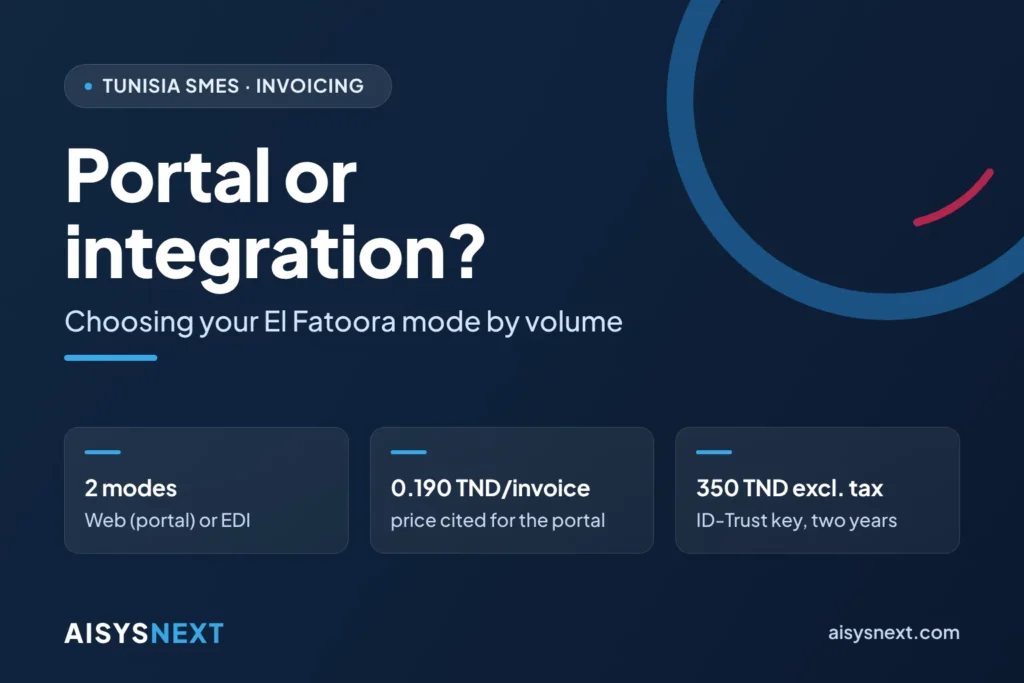
- Two modes exist: Web mode (entry or upload on the portal) and EDI mode (automated exchange between your software and TTN).
- The data-entry portal portail.elfatoora.tn has been running since September 15, 2026.
- TTN has cited 0.190 TND per invoice and a subscription of about 10 TND per month for the portal.
- TTN requires the TEIF (XML) format; each invoice carries your signature, TTN’s signature, a unique reference and a QR code.
- ID-Trust signature key: 350 TND excluding tax for two years; legal entity seal: price on request.
- No ERP approval appears in the texts consulted.
Portal or integration: what is the practical difference?
On the portal, you enter, sign and transmit each invoice; with integration, your software produces, signs and transmits the invoice with no re-entry.
| Criterion | Portal (Web mode) | Integration (EDI mode) |
|---|---|---|
| Principle | Entry or upload on portail.elfatoora.tn | Automated exchange between your management software and TTN |
| Target volume | Low volumes | High volumes |
| Setup | Company setup on the portal | Project: TEIF format, signature, testing, archiving |
| Signature recommended by software vendors | DigiGo, on mobile | ID-Trust key or legal entity seal |
| Known TTN pricing | 0.190 TND per invoice and about 10 TND per month | To be confirmed by TTN for this mode |
The sources speak of “low” and “high” volumes without putting a number on the boundary: it is up to you to measure it. The signature row reflects advice from software vendors, not a rule: have TTN confirm it.
Which criteria should guide your choice: volume, organization, existing tool?
Three criteria are enough: your monthly invoice volume, the number of people and sites that invoice, and the tool you already use.
- Volume. The higher it climbs, the more re-entry weighs on your teams and multiplies errors.
- Organization. One person invoicing from a single site can manage with the portal. Several sales reps, several branches or batch invoicing argue for integration.
- Existing tool. If you invoice in Word or Excel, the portal replaces your template without a project. If management software already feeds your accounting and your inventory, re-entry creates two sources that you must reconcile.
Example: 300 invoices per month come to 300 × 0.190 TND = 57 TND, plus a subscription of about 10 TND, or about 67 TND per month at the price cited for the portal. The price therefore carries little weight; data-entry time drives the decision.
Signature example: the ID-Trust key costs 350 TND excluding tax for two years. At about 0.250 TND per DigiGo signature, this sum equals 350 ÷ 0.250 = 1,400 signatures, or about 58 invoices per month over 24 months if each invoice uses one signature. Above that, the key costs less. This benchmark ignores the price of the DigiGo certificate, which varies by source: check the price list with TunTrust.
What does integration with your management software involve?
An integration covers five workstreams: format, signature, exchanges with TTN, testing and archiving.
- Format. The software generates a TEIF (XML) invoice that contains all the mandatory particulars of Article 18 § II of the VAT Code. The versions published by software vendors contradict one another: only TTN’s documentation is authoritative.
- Signature. The software signs each invoice with the issuer’s qualified certificate, issued by TunTrust (ANCE, the National Agency for Electronic Certification). To sign high volumes automatically, TunTrust offers a server-installed legal entity seal (Enterprise-ID).
- Exchanges. The software transmits the invoice, retrieves the unique reference, TTN’s signature and the QR code, then processes the responses: acceptance, or rejection with a reason.
- Connection testing. You or your implementation partner use a TTN test account, validate the exchanges, then notify TTN to move to production.
- Archiving. TTN records and archives the invoices (Articles 6 and 8 of Decree No. 2016-1066), and Article 12 exempts you from keeping a paper copy. The decree sets no archiving period: keep your data for at least ten years after the close of the fiscal year, under the general accounting rule (Law No. 96-112).
These tests validate a connection; they do not constitute regulatory approval of the software. None of the texts consulted provides for approval, certification or accreditation of ERPs by the Ministry of Finance or the DGI (tax administration). The only “authorized” player remains TTN, as network operator (Decree No. 2016-1066, Article 2). Read our article on the myth of the “approved ERP”.
Which mistakes should you avoid before deciding?
Four mistakes come up often.
- Choosing software based on a label. “Approved” or “compatible” refers to no official act for an ERP.
- Connecting messy data. Missing or incorrect tax IDs, duplicates, gaps in numbering and inconsistent VAT rates cause rejections, according to field feedback from software vendors.
- Forgetting the signature. Designate the signatory, either the issuer or a person the issuer authorizes (Article 3 of the decree), and order the certificate early: one software vendor mentions 3 to 10 business days, without official confirmation.
- Confusing integration with enrollment. The company signs a contract with TTN, obtains a certificate and files a declaration with the tax control office (Article 4 of the decree). See the steps to enroll in El Fatoora.
How do you decide in five steps?
Five steps are enough: count, measure, ask, clean up, decide.
- Count your invoices for the past twelve months, month by month and site by site.
- Measure the time to enter a typical invoice on the portal, then multiply by your monthly volume.
- Ask your software vendor in writing. Ask for the date TEIF will be available, the connection method, a TEIF file that TTN has accepted in production, a real invoice with a TTN reference and QR code, the name of a client already connected and the TunTrust certificate used.
- Clean up your data. Fill in missing tax IDs, lock numbering for each fiscal year and check the Article 18 particulars at data entry rather than at sending.
- Decide without rushing. As of October 9, 2026, Parliament has not finalized the postponement of the obligation for services, and filing your enrollment application secures the continuation of your paper invoicing. Ask TTN whether you can start on the portal before moving to EDI: the sources consulted do not specify this.
How AISYSNEXT supports you
Our team helps you decide based on your own figures, then carry out your choice, alongside your chartered accountant.
- We audit your invoicing workflow: volumes, sites, users, quality of the customer file.
- We define the need and compare the two modes.
- We assess with you the connection of your management system to El Fatoora and build it on a quote basis, through our ERP and CRM integration service.
- We configure AROVA ERP for your sales, invoicing and accounting, migrate your data and train your teams.
Send us your monthly volume and your current tool: request your free quote.
Frequently asked questions
At what invoice volume should you integrate El Fatoora with your software?
None of the sources consulted sets a threshold. Calculate the monthly data-entry time on the portal and compare it with the cost of an integration project, which only a quote can establish.
Does my software need to be approved to connect to TTN?
No, none of the texts consulted provides for it: the software must produce files that TTN accepts. Approval in the strict sense does exist, however, for fiscal cash registers.
Does integration trigger a formality with the tax authorities?
Possibly. A company that keeps its accounts on computer files a copy of its program, initial or modified, with the tax control office (Article 62 of the Personal Income Tax and Corporate Tax Code, according to the sources). Check with your chartered accountant whether the connection calls for a new filing.
Sources
- Government Decree No. 2016-1066 — issuance and retention of electronic invoices
- ARP — report of the February 10, 2026 hearing
- Ministry of Finance — accounting obligations under the actual-basis regime
- L’Économiste Maghrébin — launch of the El Fatoora portal
- Business News — connection modes and pricing
- Managers — preparation and connection testing
- Kapitalis — TunTrust certificate prices
Article up to date as of October 9, 2026. It provides information and does not replace the advice of your chartered accountant or legal counsel.