Introduction
Implementing an ERP only makes sense if it helps you make better decisions.
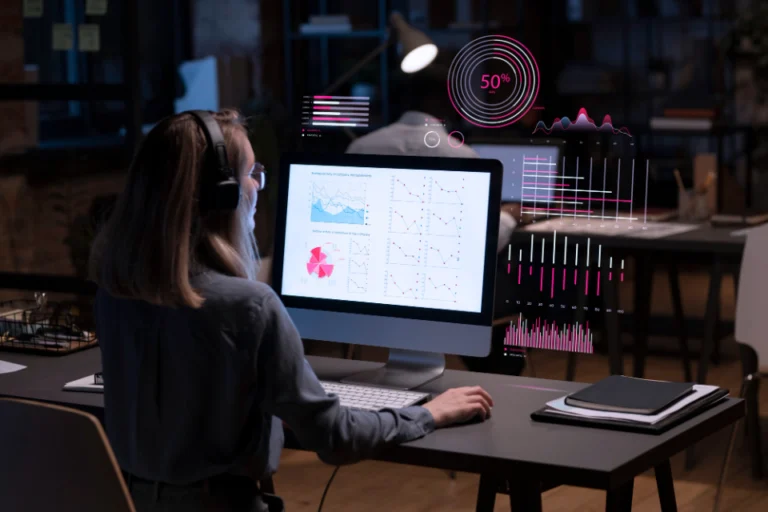
Centralizing sales, purchasing, inventory, accounting, and projects is a first step. The next one, just as important, is to use this data to steer the company with clear indicators.
A modern ERP (Odoo, ERPNext, Dolibarr, etc.) lets you build powerful dashboards. You still need to know which indicators to track first in an SME or a startup.
This article presents 5 key indicators to track in your ERP to steer your business, anticipate better, and guide your sales, operational, and financial actions.
1. Revenue… but not in just any way
Revenue is the best-known indicator, but also one of the most poorly used.
An ERP lets you go far beyond a simple monthly total.
The right questions
What is the revenue per customer or customer category?
What is the revenue per product line or type of service?
What is the revenue per channel (store, e-commerce, B2B, resellers…)?
What is the rhythm: monthly, quarterly, seasonal?
What the ERP makes possible
Identify the strategic customers to retain first.
See which product or service lines really drive growth.
Uncover underexploited segments that deserve targeted marketing actions.
The idea is not only to “bring in revenue,” but to understand where it comes from.
2. Margin: the reality behind revenue
High revenue is not enough if the margin erodes.
By connecting sales, purchasing, and sometimes production, the ERP lets you track gross margin and profitability.
Useful indicators
Margin per product or product family.
Margin per customer.
Margin per project or per contract for service companies.
What these indicators make possible
Adjust selling prices, discounts, and commercial terms.
Review certain purchasing or production costs.
Prioritize some segments over others.
Prerequisites in the ERP
Product records filled in correctly (purchase price, costs).
Rigorous entry of purchases and time spent.
A sound initial configuration is therefore essential.
3. Outstanding receivables and payment times
An ERP is not only an invoicing tool.
It is also a lever for managing cash flow.
Key indicators
Outstanding receivables.
Average payment time (DSO – Days Sales Outstanding).
Breakdown of overdue invoices by aging bracket.
Benefits of tracking them in the ERP
Quickly spot at-risk customers.
Structure payment reminders (automatic or manual).
Adjust commercial terms.
Better-tracked invoicing means more predictable cash flows.
4. Inventory turnover and product availability
For companies that manage inventory, the ERP is a central tool.
What the ERP lets you track
Stock level per warehouse and per product.
Inventory turnover.
Stockouts and replenishment alerts.
Key indicators
Turnover rate.
Value of the cash tied up in inventory.
Availability rate.
Operational objectives
Avoid costly overstock.
Reduce stockouts.
Optimize supplier orders.
Everything depends on data entered correctly: movements, receipts, deliveries, and inventory counts.
5. Project and time tracking (for services)
For service companies, the ERP becomes a project management tool.
Useful indicators
Project progress.
Time spent vs. initial budget.
Profitability per project.
Team workload.
What this makes possible
Spot projects that are drifting.
Adjust resources.
Price future projects more accurately.
The ERP becomes both an operational and a financial tool.
How to make these indicators visible and actionable in the ERP
A useful indicator must be:
Accessible
Up to date
Actionable
Implementation in the ERP
Dashboards by user profile.
Custom reports.
Filters and graphical indicators.
The goal is not quantity, but relevance.
Setting up these indicators with AISYSNEXT
For an ERP to become a real management tool, you need to:
Define the priority indicators.
Structure the data and make it reliable.
Configure dashboards and reports.
AISYSNEXT support
Identification of the essential KPIs.
Configuration of the ERP (Odoo, ERPNext, Dolibarr…).
Design of tailored dashboards.
Team training.
The goal: turn the ERP into a true management cockpit.
Conclusion
An ERP is not just a database.
It is a decision-support tool.
By tracking a few key indicators, you can steer the company with precision and responsiveness.
With tailored dashboards and reliable data, you no longer make decisions on instinct, but on shared, quantified facts.
Do you want to turn your ERP into a true management tool with clear, actionable indicators?
- Discuss your dashboard needs with AISYSNEXT:
https://aisysnext.com/contact-equipe-expert/ - Get an estimate or a quote for an ERP / CRM project with reporting and KPIs:
https://aisysnext.com/demande-devis-gratuit/