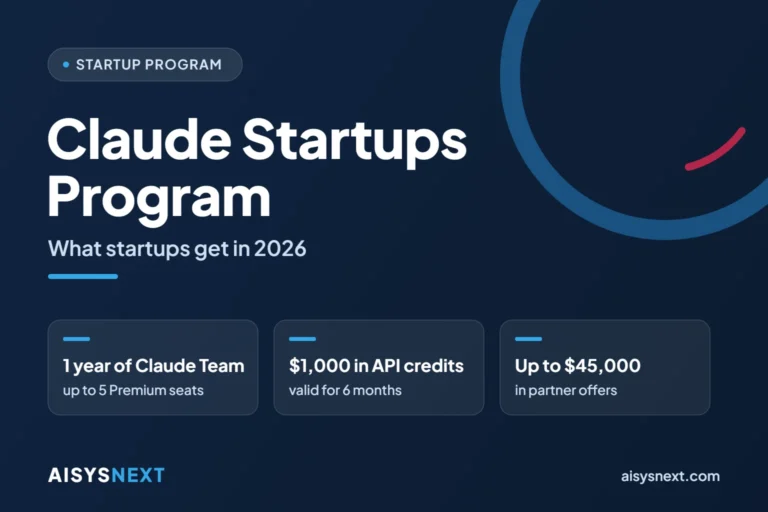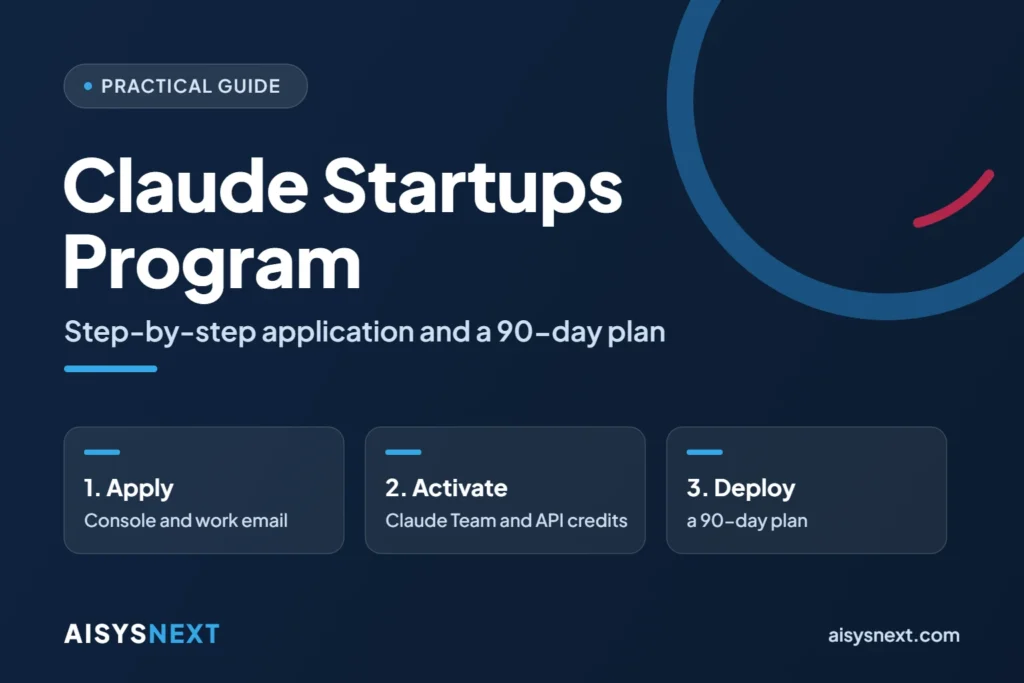
You apply to the Claude Startups Program online, and most startups get an answer within minutes. This guide takes you through two stages: the application, step by step, then a 90-day plan to get the most out of Claude Team, the API credits and the partner offers.
For the full list of benefits and criteria, first read our overview of the Claude Startups Program.
Before you start: the checklist
- Your startup is less than five years old, or it received funding in the last two years.
- Your website is live and presents your product.
- You have an email address on the same domain as the website, for example firstname@yourstartup.tn.
- You have prepared a short description of what you are building.
- Your company operates in a country Anthropic supports; Tunisia is one of them.
- Your organization has never subscribed to Claude Team, if you are aiming for the free year.
Applying to the Claude Startups Program in six steps
Step 1: create an email address on your website’s domain
The official page asks for a company email that matches your website’s domain. A personal Gmail or Outlook address does not meet that requirement. Create the mailbox with your hosting provider if it does not exist yet.
Step 2: check your website
Make sure the site loads, describes your product and shows the company name. Anthropic reviews every application.
Step 3: create your Claude Console account
Go to the Claude Console at platform.claude.com and create an account with your company email. The Console is where you manage the API, billing and the program offers.
Step 4: fill out the application form
Sign in, then open the official application form. Enter the company details and the description of your project. Check every field: the terms reserve the benefits for complete applications.
Step 5: wait for the decision
Most applications are decided within minutes. The others go to manual review, usually within two to three business days. Watch the email address you provided.
Step 6: claim your benefits in the Console
The acceptance email contains a link to the Claude Startups page in the Console. There you claim the Claude Team offer and the API credits, then you collect the codes for the partner offers.
How to write your project description
The program terms cite three groups of factors: traction, funding, then Claude integration and usage. A good description therefore answers four questions:
- What problem do you solve, and for whom?
- What does your product do today?
- How do you use Claude, or how do you plan to use it?
- What early results can you cite: users, pilot customers, revenue?
Here is an example for a fictional startup:
“We are building an app that helps accounting firms sort and enter their invoices. We use the Claude API to extract data from documents and an agent to prepare the entries. Twelve firms have been testing the beta since June.”
Five mistakes that delay an application
- Applying with a personal email address.
- Showing a website that is offline, empty or unrelated to the company.
- Sending a vague description with no precise use of Claude.
- Leaving fields incomplete.
- Counting on the free year when the organization already uses Claude Team.
Your 90-day usage plan
API credits expire after six months, and the Claude Team offer lasts twelve months. A plan keeps that value from going unused.
Week 1: activate and organize
- Claim Claude Team and the API credits as soon as you are accepted.
- Assign the five Premium seats to the roles that produce the most: founder, technical lead, product, marketing and sales, support.
- Create one shared project per topic: product, customers, fundraising.
- Write the organization’s instructions: tone, languages, confidentiality rules.
- Link the tools the team already uses through connectors.
Days 1 to 30: save time in every function
| Function | Concrete use | Tool |
|---|---|---|
| Product | Summaries of customer interviews, writing specifications | Claude Projects |
| Engineering | Code review, tests, refactoring | Claude Code |
| Marketing | Articles, sales pages, versions in French, English and Arabic | Claude |
| Sales | Commercial proposals, meeting preparation | Claude |
| Support | Answer base, draft replies to customers | Claude Projects |
| Administration | Meeting notes, procedures, file management | Cowork |
Track one indicator per function, for example the time spent on a specification or the support response time.
Days 31 to 60: build with the API
- Pick a single AI feature that is useful to your customers: support assistant, document extraction or a business agent.
- Build a prototype with the Claude API and your credits.
- Measure the cost per request from day one.
- Choose the least expensive model that is good enough for the task.
- Test with real users before you scale.
Days 61 to 90: accelerate and prepare what comes next
- Book an office hours session and arrive with three precise questions about your architecture or your prompts.
- Redeem the partner offers that serve your product, not every offer.
- Look into publishing a connector or a plugin on the Claude Marketplace.
- Put numbers on what follows: seats to keep and monthly API budget.
Making good use of the $1,000 in API credits
- Credits expire six months after they are granted: plan how you will spend them.
- They work only on the Claude API through the Console, not on Amazon Bedrock or Google Cloud Vertex AI.
- Members who receive these credits automatically get higher rate limits.
- Spend them on one measurable prototype rather than scattered trials.
Preparing for the end of the free year
The official pages do not state the pricing terms after the twelve months. Check this point in the Console when you claim the offer, especially renewal and the payment method.
To plan ahead, keep the public Team plan rates with annual billing in mind: $100 a month for a Premium seat and $20 a month for a Standard seat. Five Premium seats come to $6,000 a year.
Data and confidentiality: good habits
- On the Team plan, Anthropic does not train its models on your content by default.
- Never paste a password or an API key into a conversation.
- Restrict sensitive projects to the people who need them.
- Tell your customers when you process their data with an AI service.
How AISYSNEXT can help
AISYSNEXT supports startups and SMEs that want to bring AI into their product or their organization. Our team designs AI agents and artificial intelligence solutions, delivers your custom software development projects and builds your websites and web applications.
Request a quote or talk to an AISYSNEXT expert.
Frequently asked questions about applying
How long does Anthropic take to answer?
Most applications are decided within minutes. A manual review usually takes two to three business days.
Can you apply with a Gmail address?
No. The official page asks for a company email that matches your website’s domain.
Is the Startup Act label required?
No. The official page mentions no national label, and the program does not require VC funding.
Do the credits work on Amazon Bedrock or Google Cloud?
No. They apply only to the Claude API used through the Console.
Do existing members need to apply again?
No. Current members redeem the new offers directly in the Console.
What happens after the free year of Claude Team?
The official pages do not say. Check the renewal terms in the Console before you activate the offer.
Sources
- Anthropic, official Claude Startups Program page
- Anthropic, program expansion announcement, October 6, 2026
- Anthropic, official program terms
- Anthropic, additional benefits addendum
- Anthropic, supported countries
- Anthropic, Claude pricing
Guide published on October 8, 2026. This is independent informational content: only Anthropic’s official page is authoritative, and the program terms may change.