Businesses today manage dozens of different tools: CRM, ERP, email marketing, support, Google Sheets, messaging apps, etc. The real challenge is no longer just having the right tools, but getting information to flow between them without wasting time on manual tasks.
That is precisely the role of Gumloop: an AI-native automation platform that lets you create intelligent workflows and AI agents without writing code, through a visual drag & drop interface.(AI Agents List)
1. What is Gumloop?
Gumloop is a no-code automation platform dedicated to AI that lets any team member build advanced automations: data collection, document processing, lead qualification, web scraping, reporting, etc.(AI Agents List)
In practical terms, Gumloop offers:
- A visual interface where you assemble blocks (nodes) on a canvas
- Structured, repeatable workflows
- AI agents that can make decisions based on context
- More than 100 integrations with the main tools on the market (Gmail, Slack, Salesforce, Google Sheets, etc.)(AI Agents List)
The goal: let your marketing, sales, operations or support teams design their own automations without systematically depending on IT.
2. Traditional automation vs Gumloop: what really changes
The “legacy” automation tools (such as Zapier or Make) popularized the “if this, then that” principle. But as soon as a process involves:
- long texts,
- complex documents (PDFs, contracts, emails),
- business logic with nuances,
these tools quickly reach their limits.
Gumloop takes a different approach:
- AI sits at the heart of the workflow, not just as an optional block.
- Workflows can analyze, summarize, classify and decide at every step.
- AI agents can adapt their behavior to the data they receive and the goals you give them.(Gumloop)
The result: you no longer just automate simple tasks, you automate reasoning.
3. How does Gumloop work?
3.1. The visual canvas: build your flows with drag & drop
On a large canvas, you drag and drop nodes that represent actions:
- Retrieve data (API, web, files, forms…)
- Call an AI model (analysis, summary, classification, extraction…)
- Apply business rules (conditions, filters, loops)
- Update a tool (CRM, database, Slack, email…)(Marketer Milk)
Each flow becomes a visual map of your process that business teams can easily understand.
3.2. Workflows vs AI agents
Gumloop distinguishes two complementary building blocks: (Gumloop)
- Workflows
These are structured scenarios, ideal for recurring tasks:- lead processing,
- CRM updates,
- automated reporting,
- synchronization between tools.
- AI agents
These are intelligent assistants that you give a goal, and that choose for themselves:- which data to use,
- which tools to call,
- which action to take based on the context.
Agents behave like a “conductor” that uses workflows as reliable execution sequences.
3.3. A credit-based pricing model
Gumloop offers a freemium model based on usage credits: (Gumloop | AI Automation Framework)
- A free plan to test the platform (a few thousand credits per month)
- A Solo plan (from about $37/month) for one user with more credits and advanced features
- A Team plan for teams (up to 10 seats and more volume)
- Enterprise offers with advanced security, governance and dedicated support
This lets you start small, then scale up as your use cases grow.
3.4. Security and compliance
For demanding organizations, Gumloop highlights:
- SOC 2 and GDPR compliance
- Encryption and rigorous access management
- Features suited to Enterprise environments(futurepedia)
This point is essential if you handle customer, financial or sensitive data.
4. Key Gumloop features for businesses
4.1. No-code AI automation
- Building workflows without code
- AI blocks for:
- classification,
- scoring,
- data extraction,
- image or document analysis.(softailed.com)
4.2. Web scraping and document processing
Gumloop makes it easier to:
- Scrape websites to collect information, prices, listings…
- Read PDFs, contracts, invoices and emails and extract the important data
- Create structured tables ready to send to a CRM or an ERP(futurepedia)
4.3. Integration with your existing tools
Thanks to its integrations, Gumloop can:
- Connect to your CRMs, marketing tools, databases and messaging apps(AI Agents List)
- Listen for events (webhooks) and trigger automatically
- Update your systems in real time (customer records, tickets, dashboards)
4.4. Collaboration and governance
For teams:
- Shared workspaces
- Access management (who can edit, who can run)
- Usage analytics to track workflow performance(Gumloop | AI Automation Framework)
5. Practical Gumloop use cases
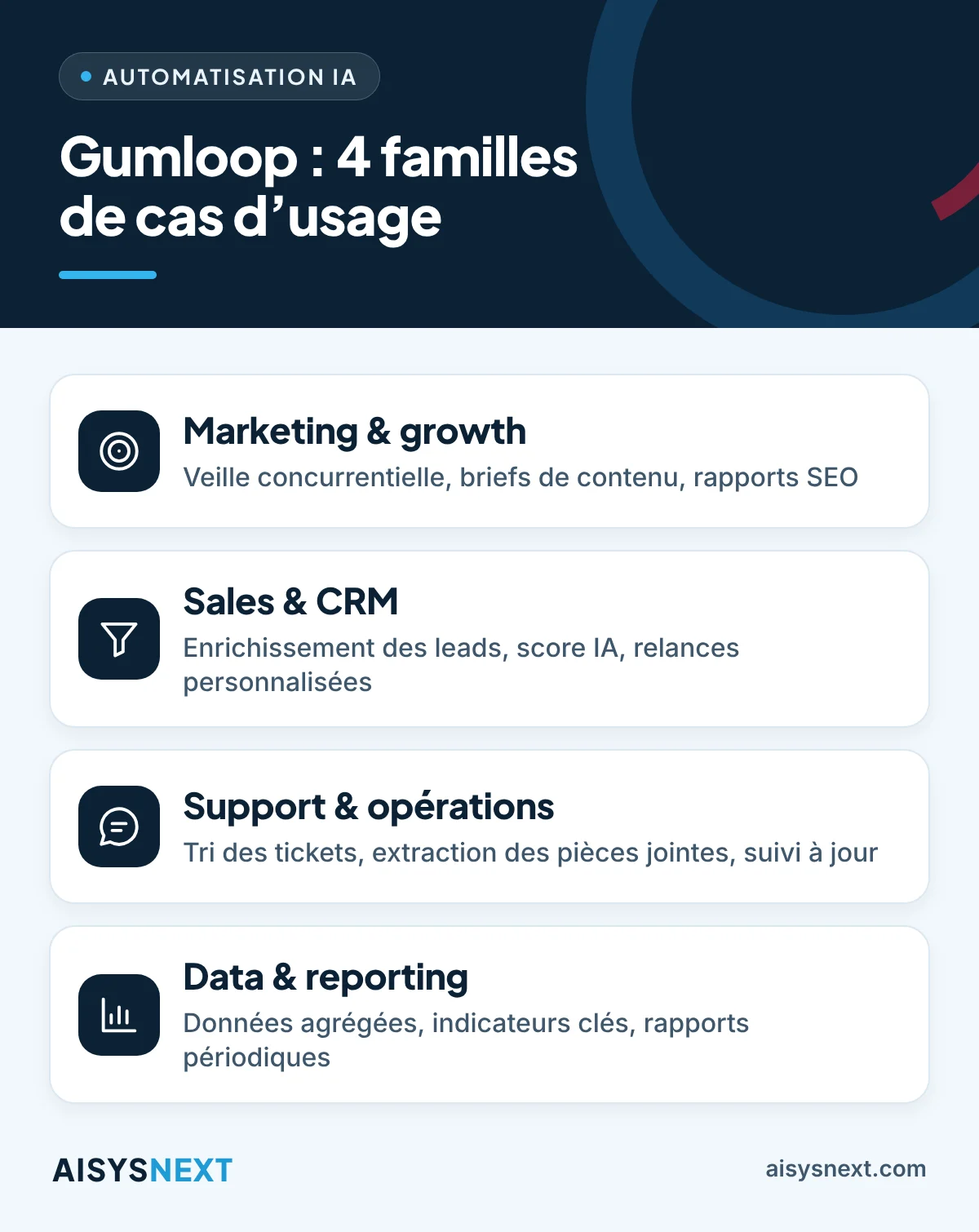
5.1. Marketing & growth
- Scrape competitor websites regularly to track offers and prices
- Generate briefs or content from market data
- Automate SEO reports (keywords, content to produce, rankings)
5.2. Sales & CRM
- Enrich leads automatically (website, LinkedIn, public information)
- Rank prospects by an AI score (sales priority)
- Launch personalized follow-up sequences based on profile and behavior
5.3. Support & operations
- Read incoming tickets, then categorize and prioritize them with AI
- Automatically extract key information from attachments (quotes, purchase orders)
- Update tracking sheets (Google Sheets, Notion, ERP, etc.)
5.4. Data & reporting
- Aggregate data from several tools (CRM, campaigns, invoicing…)
- Clean, enrich, summarize and present the key indicators
- Generate periodic reports sent automatically to decision-makers
6. Why work with AISYSNEXT to integrate Gumloop?
Setting up Gumloop is not just a matter of “building a few automations”. To make full use of its potential, you need to:
- Map your business processes (marketing, sales, support, finance, etc.)
- Identify the tasks where AI automation adds the most value
- Design robust, maintainable and secure workflows
- Ensure the connection with your CRMs, ERPs, websites and business tools
As an agency specializing in web development, ERP/CRM integration and automation, AISYSNEXT can support you with:
- The functional design of your Gumloop workflows
- Integration with your existing systems (Odoo, ERPNext, e-commerce sites, CRM…)
- The setup of pilot workflows, then their rollout at scale
- Training your teams so that they become autonomous on the platform
7. How to get started with Gumloop
To launch a first pilot project, the typical approach can be:
- Identify a target process
Example: lead qualification, pre-analysis of customer requests, weekly marketing report. - Define the goal clearly
- Which data enters the flow?
- Which decision must be made?
- Which concrete result must the flow produce?
- Design the workflow in Gumloop
With AISYSNEXT, we build a visual flow that combines:- integrations,
- AI (analysis / summary / classification),
- business rules,
- updates in your tools.
- Test, adjust, deploy
We test on a small volume, adjust the AI logic, then deploy to production. - Extend to other processes
Once you have validated the first use case, you can gradually extend automation to other departments.
In conclusion
Gumloop stands out as a next-generation no-code AI automation platform that goes much further than a simple tool for “zaps” between applications. Thanks to its AI workflows and intelligent agents, you can delegate a large share of repetitive and analytical tasks to the machine while keeping control of the business side.
With support from AISYSNEXT, you can turn Gumloop into a true productivity accelerator that serves your teams and your growth.